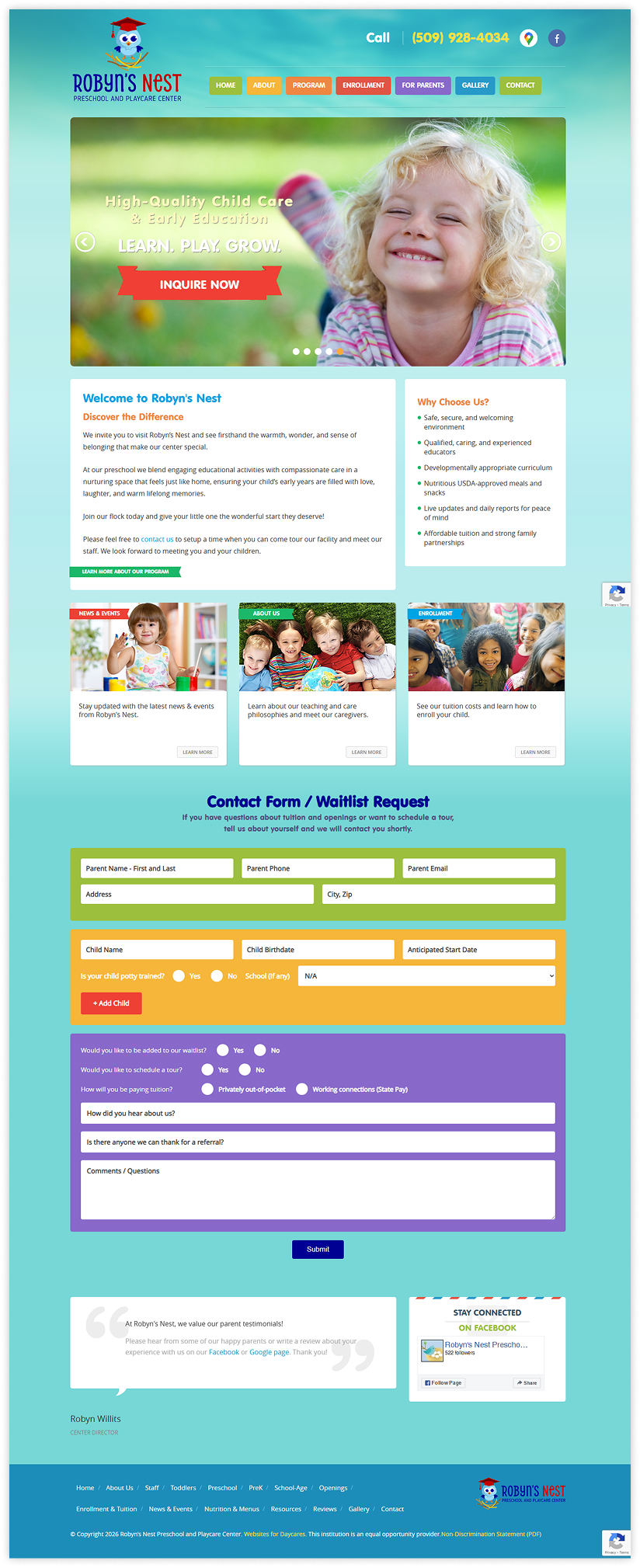
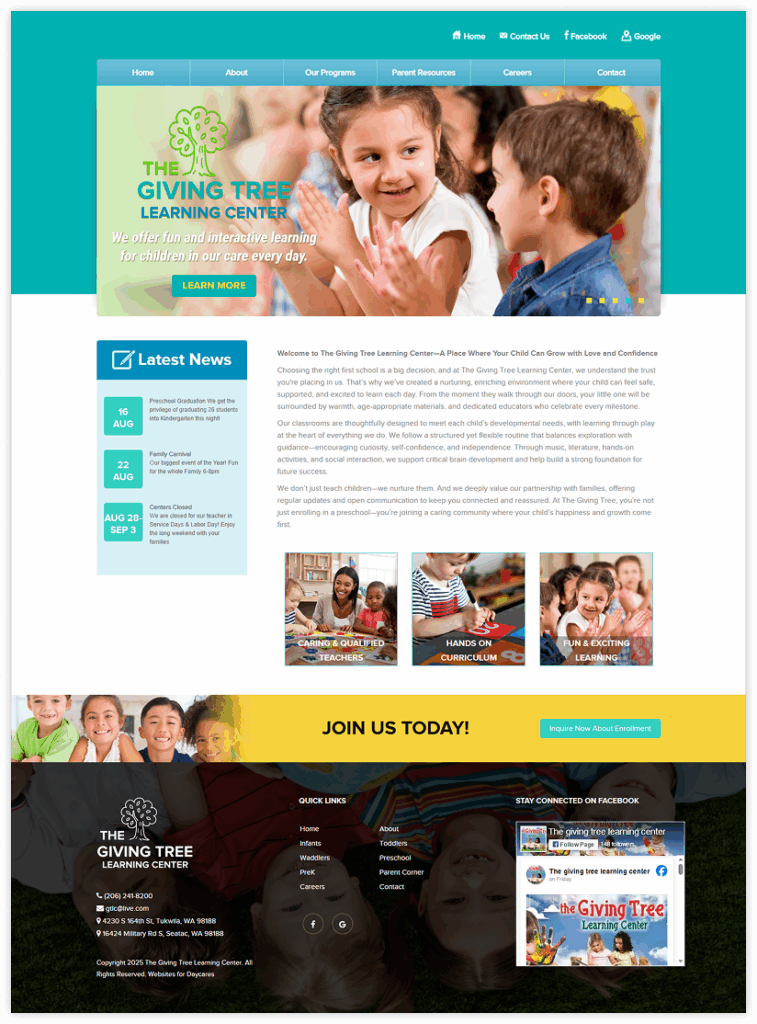
Happy Friday! Today we would like to feature a website based on our Giggles Academy child care website theme. This client chose our fastest child care website setup – our Basic Website Setup Package. It was ready within 2 business days and they chose a theme that worked perfectly with their logo colors and theme.
This client desired a clean, professional website theme that had minimalist graphics and distractions. The focus with this theme is a primary photo and easy to read, larger text on each page.
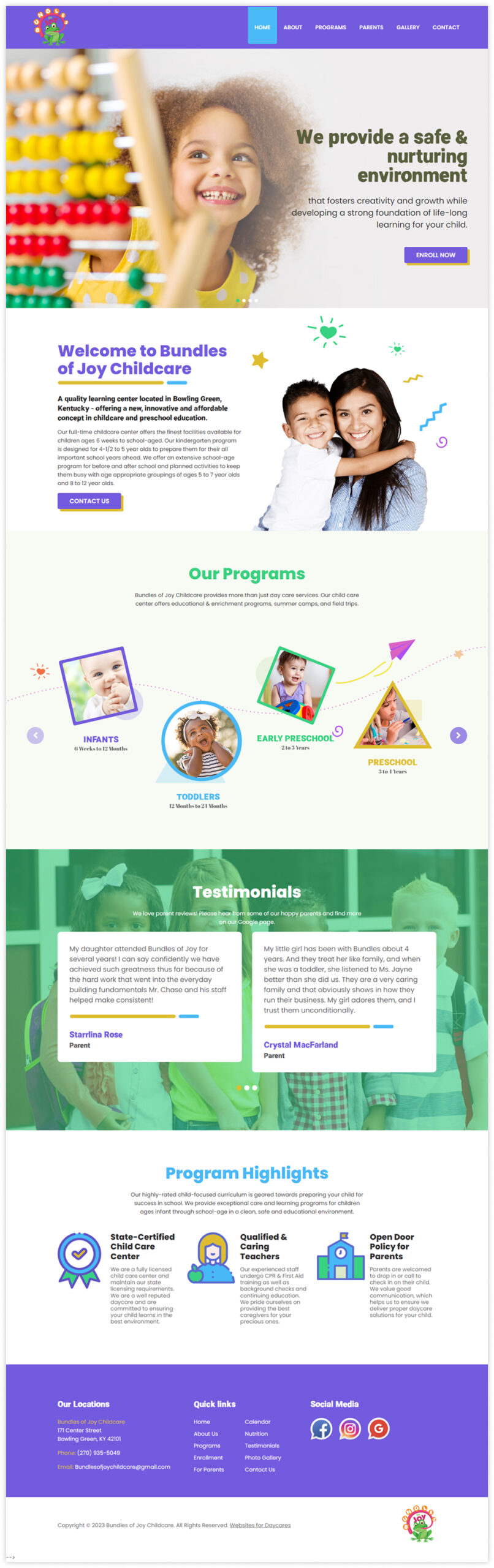
This client child care website was built on our Honor Roll theme. We setup all of the client’s content (text, enrollment forms, etc.) with our Plus website setup package and it was ready within 3 business days. This design features a clean, modern, polished design with plenty of white/negative space for a spacious, professional layout. Check out their website here.
The purple/gold theme colors can be customized to coordinate with your logo colors and as always, we offer completely custom child care website theme design as well.
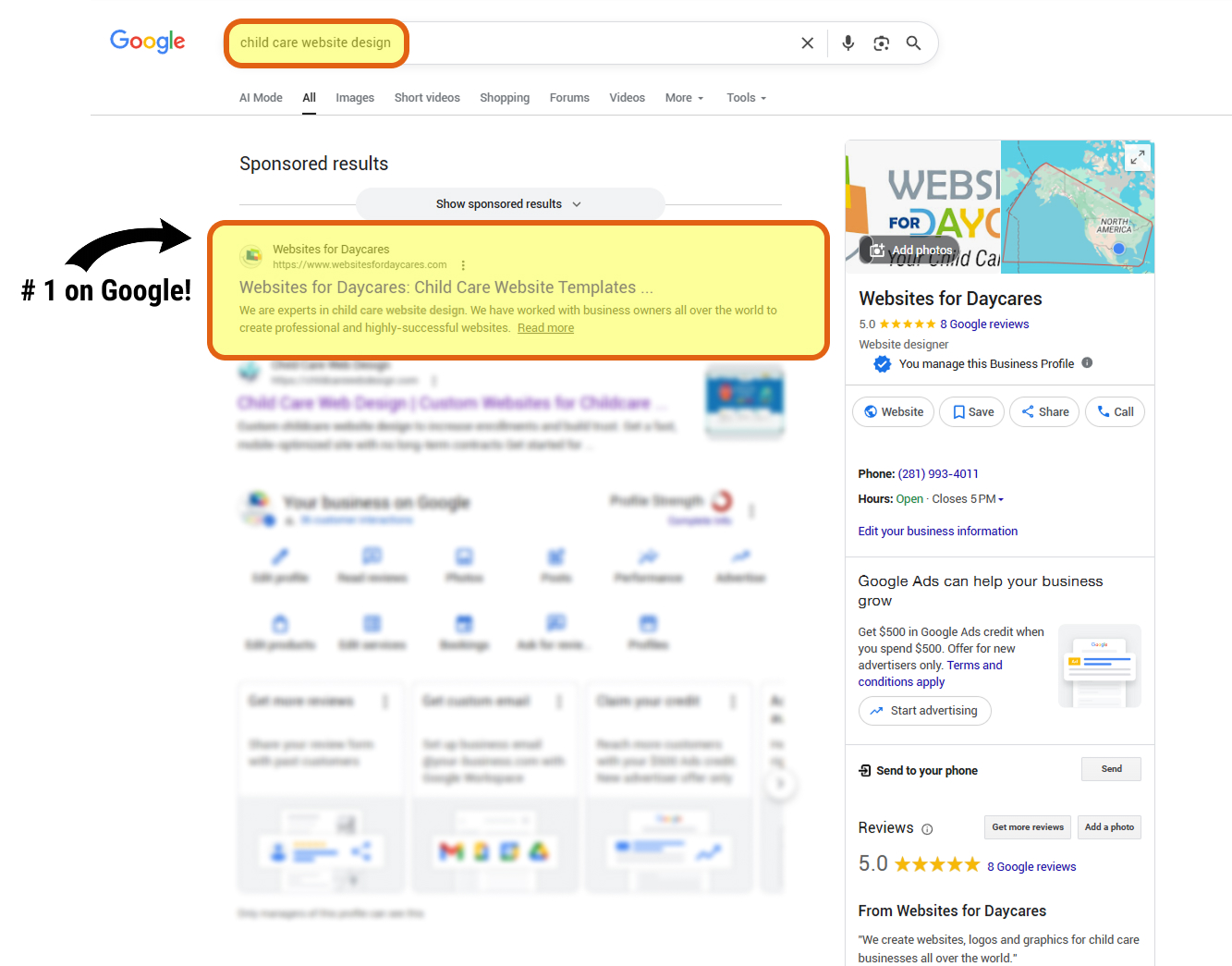
If you were to google “child care website templates” or “child care website design” for the past 15+ years, you would find Websites For Daycares at the top of the results list. Why?
We receive thousands of hits to our our website every week and visitors stay to see what we do, browse our portfolio and packages and complete our inquiry form. That tells Google that we specialize in this area and so they continue to rank us well for these keyword phrases.
We have 3 website setup packages, clearly outlined and detailed in their features and comparisons.
Our FAQ page covers just about every question we have had over the past 15 years – working with us is easy and we are here to answer all of your questions before, during and after your website project.
We are excited about working with you on your new child care website – get in touch!
Every website for every child care provider typically has one mission: attract interested parents to their website and get them to make contact with their business. The first part of that mission requires the website to be optimized for search engines and for the business to promote their business, typically through social media and other marketing efforts. The second part of that mission can be addressed in multiple ways.
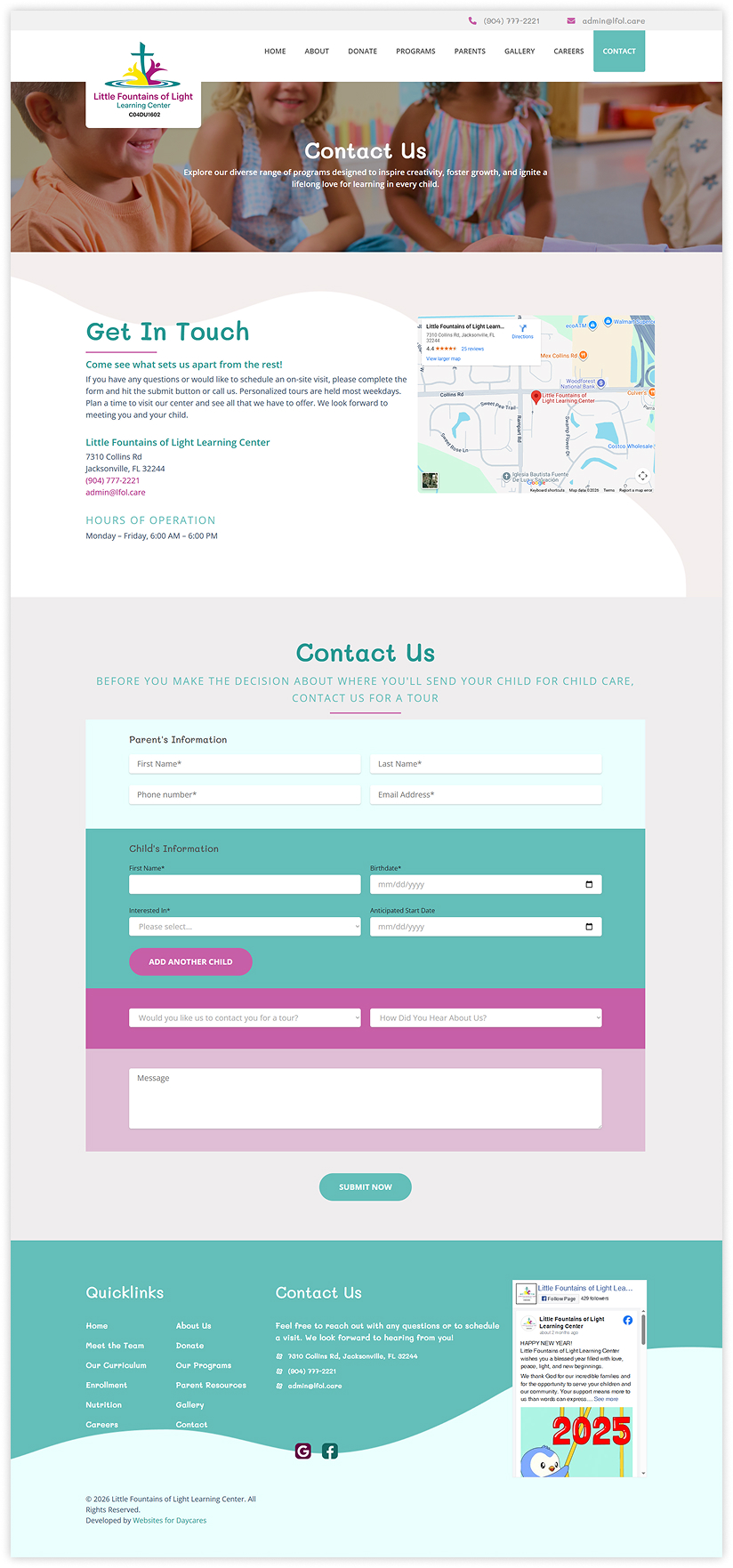
Of course, the website should have, at a minimum, a phone number and email address for interested parties to reach out for more information. A better solution, in addition to providing contact details, is a detailed parent enrollment inquiry form. All of our website solutions include a detailed form so that the website visitor can instantly provide their contact information but also critical information you need to quickly respond with availability and pricing for their particular situation.
Below are just a few examples of our child care enrollment inquiry forms that make it easy for parents to inquire and highly efficient for the child care provider to respond.
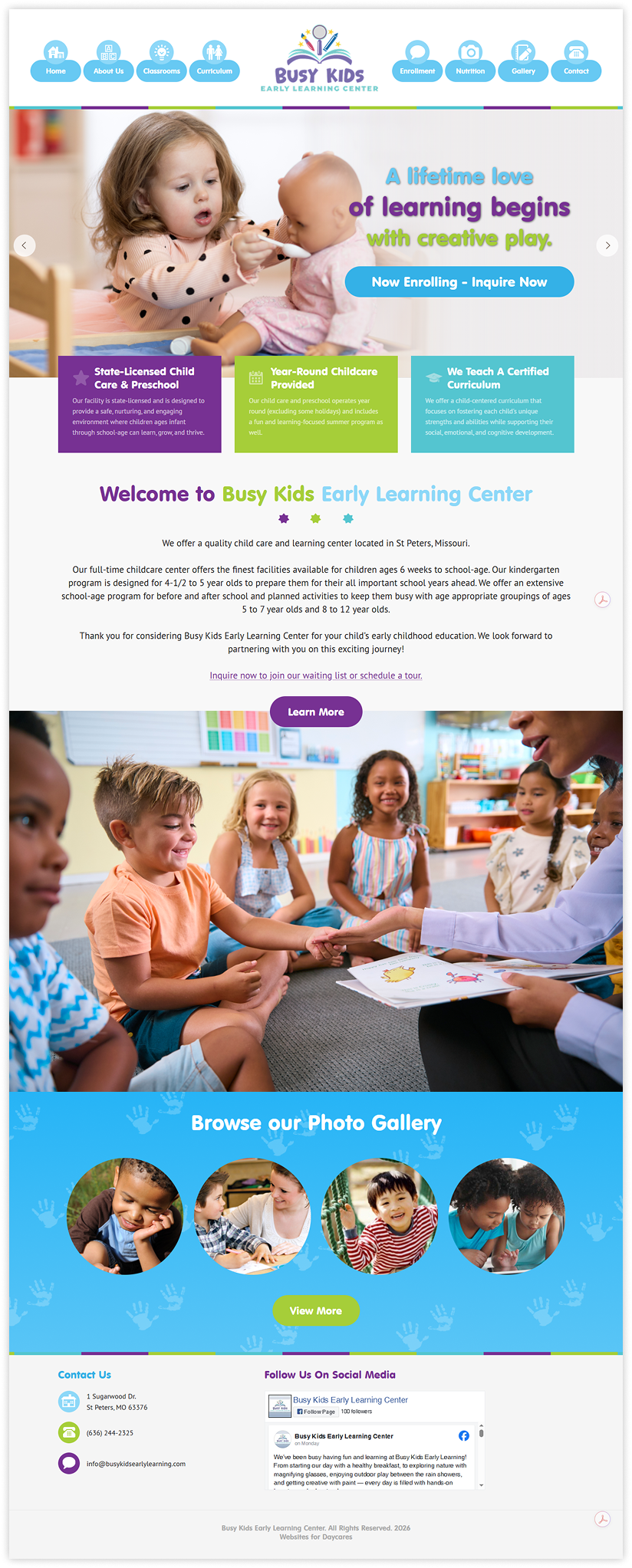
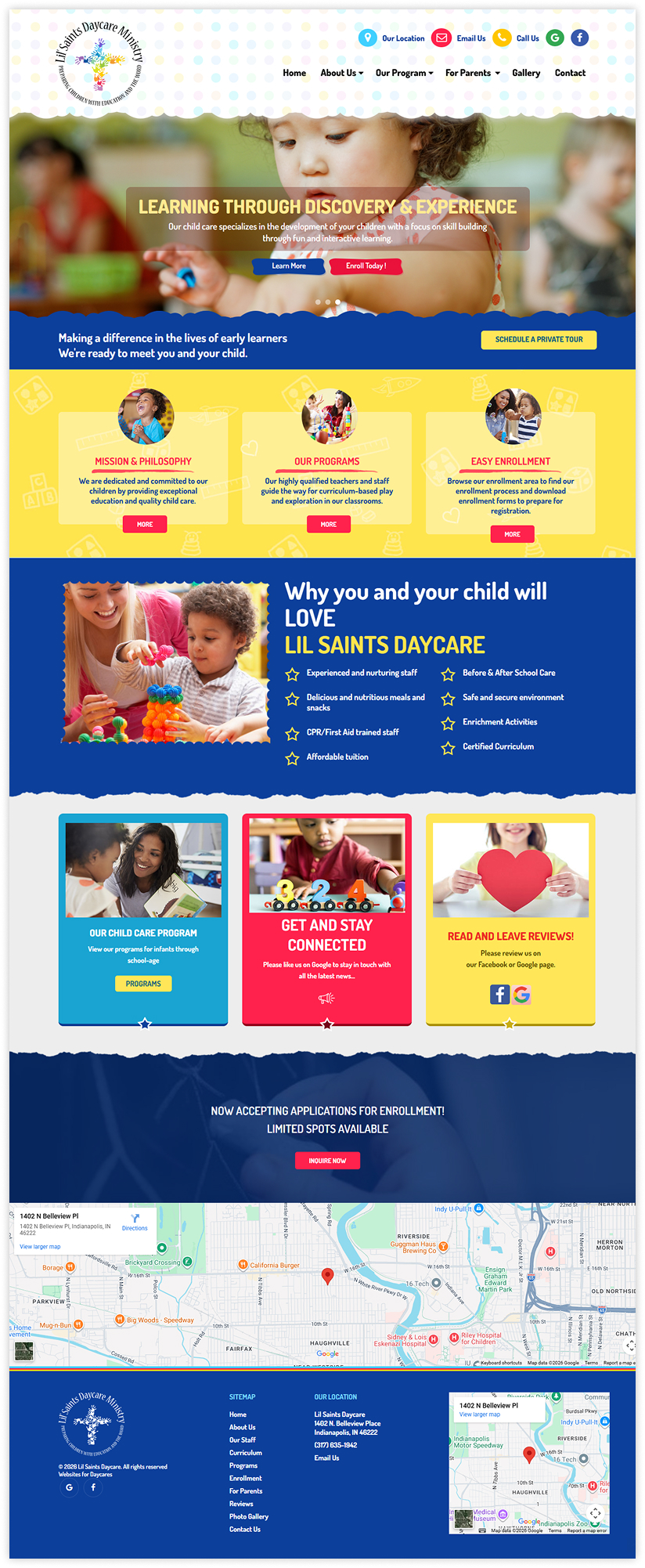
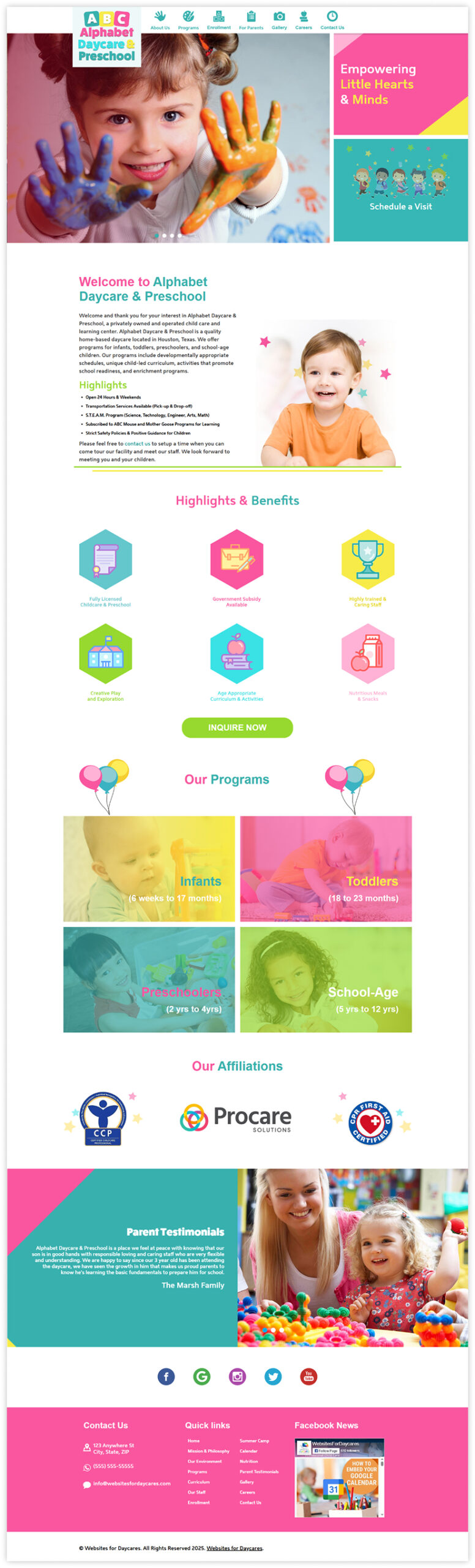
Websites for Daycares specializes in custom child care logo design and daycare websites. Today, we feature a logo we created for a client in Indianapolis as well as their website using our Early Learners child care website theme.
First, we created a colorful, bright and modern logo for their child care and once that was finalized, the client chose our Early Learners theme which coordinated perfectly with the colors and design of their new logo. This client chose our Plus 10-page child care website setup package so it was fully turn-key for them. They sent us all of their website content (text, photos, PDF enrollment forms, social media links, etc.) for setup on their chosen theme.
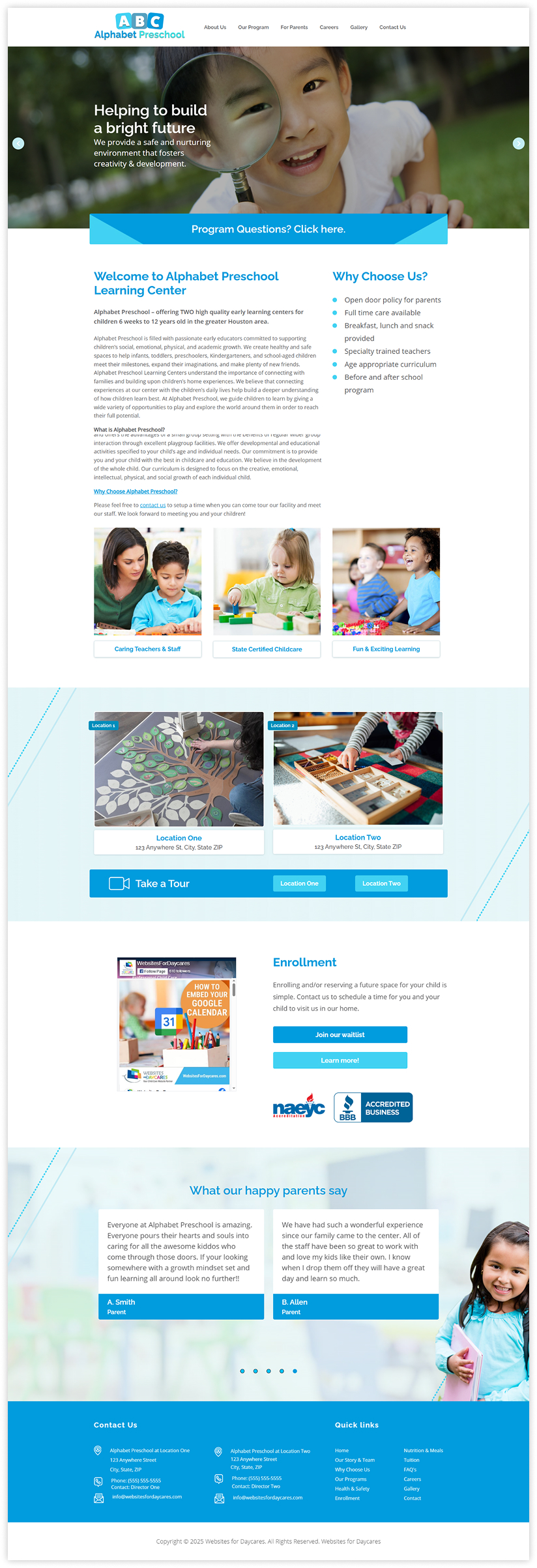
This month we highlight our Academic Success Child Care Website Template. This particular client website chose our Basic setup which included 8 pages, inclusion of their logo, social media links, Facebook Like widget, custom page titles and their contact map and details. It works well for logos of all colors, shapes and sizes and has a colorful navigation bar along with accessible icons to their social media pages. Check it out and let us know when we can get started on your new child care website.
This week we are featuring a client who we designed a custom logo for and then developed their child care website using one of our pre-designed themes.
First, we worked together to create a custom logo for their daycare center that included illustrations of all of the age groups they care for, their favorite color scheme, tagline and other design elements like a school bus and building. Once we finalized their new logo, we moved on to the website.
The website was semi-customized to include photos that work for their specific audience and community as well as all of their content for their package setup.
Today we are featuring a client website using our Bright Futures child care website theme.
Our clients love this theme for its somewhat-compact and minimalist look and feel. This client’s logo color scheme tied in perfectly with the colors from this theme but we can always color-customize a theme to match your logo colors for a small additional fee.
This client chose our Plus 10-page, full-content setup package so it was an easy, turn-key setup for the client.
Today we release two new child care website themes, ready for your new daycare website. Our Open Enrollment child care website template and our Incredible kids daycare website theme can now be viewed via the snapshots & links below. We look forward to working with you to build your new child care website! Get in touch to get started.
Incredible Kids Child Care Website Theme – VIEW DEMO
Open Enrollment Child Care Website Template – VIEW DEMO
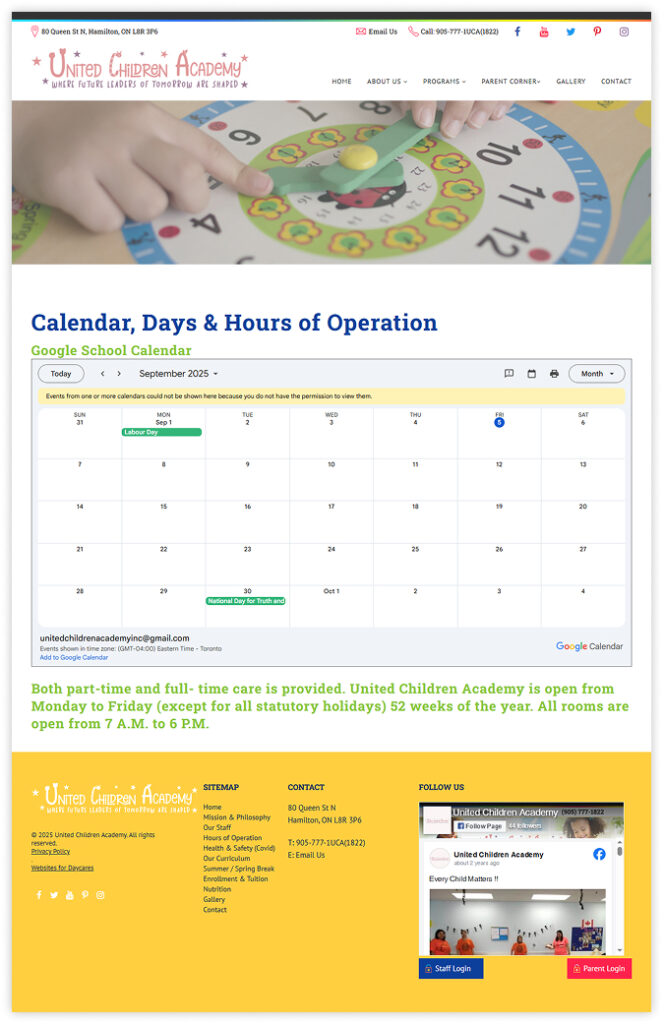
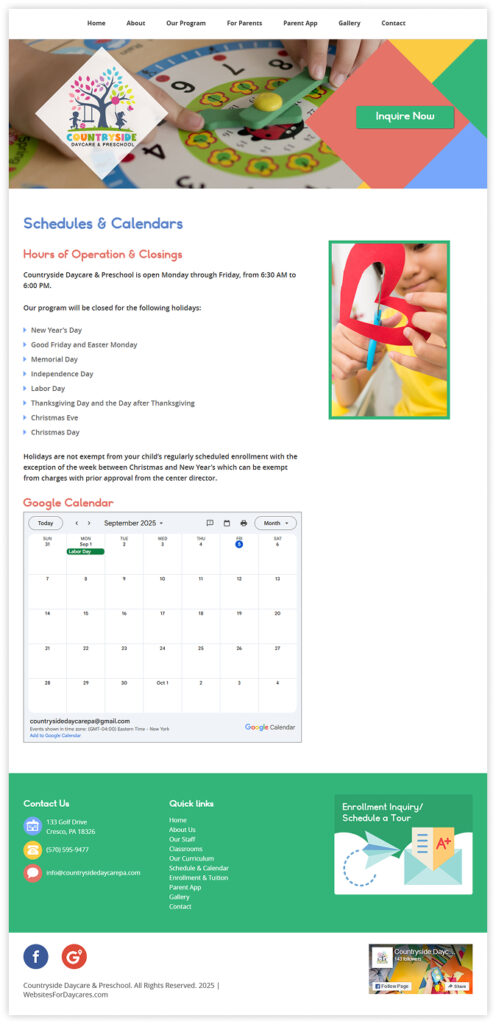
Our child care clients often use Google Calendar to keep their day to day and week to week events organized and available to their enrolled parents. In our opinion, it’s the best available tool to do this because so many people also use Google and can easily add events to their own Google calendar from this tool.
With Google Calendar, you can share a link to the calendar on their site but they also conveniently provide a way to embed the calendar directly on your website so that people can stay on your website to view it, which we recommend.
Here are the steps for embedding your Google Calendar on to your child care website:




 Read Our 5-Star Facebook Reviews